08 September 2026 | Industry News
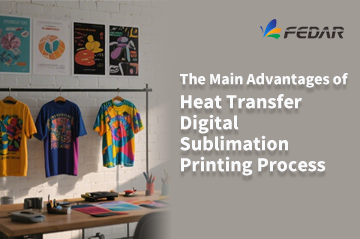
The Main Advantages of Heat Transfer Digital Sublimation Printing Process
The heat transfer digital sublimation printing process has revolutionized the textile printing industry by offering a perfect blend of quality, efficiency, and environmental responsibility. For businesses using Fedar sublimation printers and Fedar textile printers, this technology delivers exceptional results across a wide range of applications – from fashion and sportswear to home textiles and soft signage. Below are the three core advantages that make this process a game-changer for modern textile production. 1. Eco-Friendly, Sustainable, and High-Quality Output One of the most significant breakthroughs of digital sublimation printing is its integration of green, low-carbon, and energy-saving features. Unlike conventional textile printing methods that consume large amounts of water and generate chemical waste, the sublimation process uses minimal resources and produces virtually no effluent. Key benefits: Soft hand feel – prints do not stiffen the fabric, preserving its natural drape and comfort. Vibrant colors – the dye penetrates the fibers, resulting in bright, saturated hues. Rich layers and fine details – ideal for complex patterns, gradients, and photographic images. Good air permeability – the ink does not form a surface film, allowing the fabric to breathe. These qualities make Fedar sublimation printers the preferred choice for premium apparel, activewear, and high-end...
View More